

Trying Out Zed
Some of you may be wondering where the rest of my time goes in my daily routine. It goes into family time, workouts, house chores and reading news, blogs/audiobooks/videos. Since I cannot write about my family time, workouts, and house chores, for your benefit :), I can tell you what I am reading, listening, and watching on a daily basis. So here is what happened yesterday (remember it is not comprehensive, I read some news articles also, but I could not findout an easy way to list of my daily read list).
Blogs I Read Today
- https://www.safalniveshak.com/the-sale-warren-buffett-couldnt-make/
- https://finshots.in/archive/why-is-india-distributing-free-rations-if-poverty-is-falling/
- https://blog.coredump.cx/p/how-did-pinwheel-calculators-work
Audio I Listened to Today
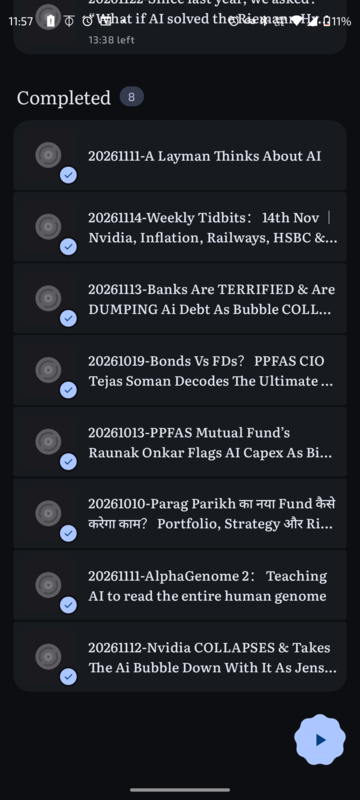
Videos I Watched Today
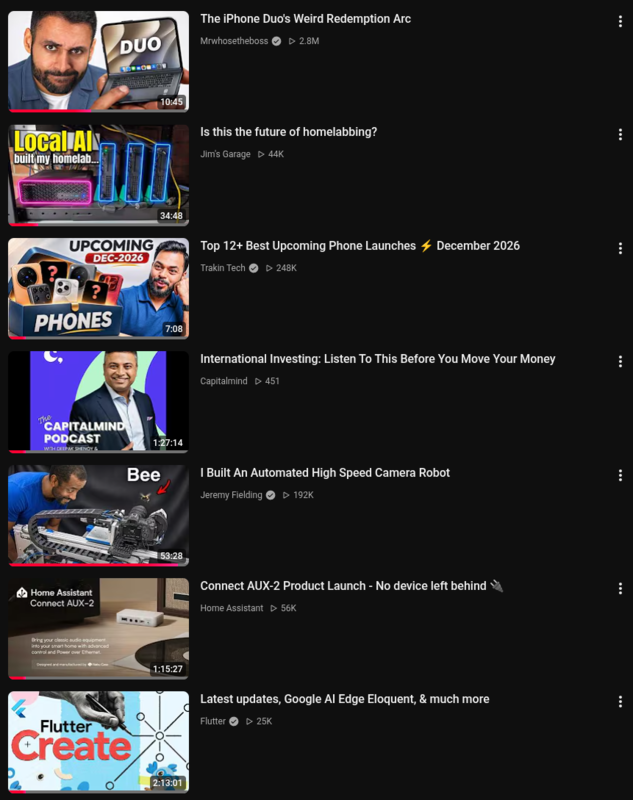
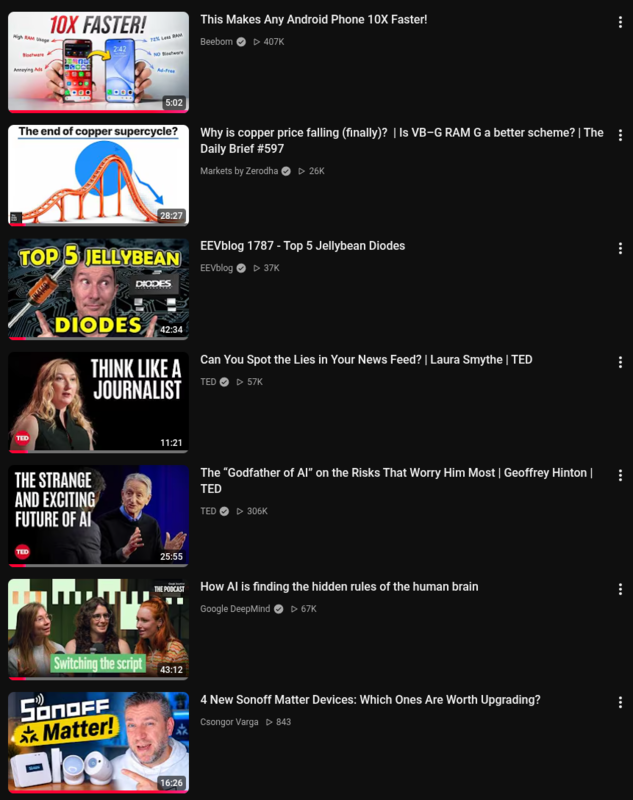
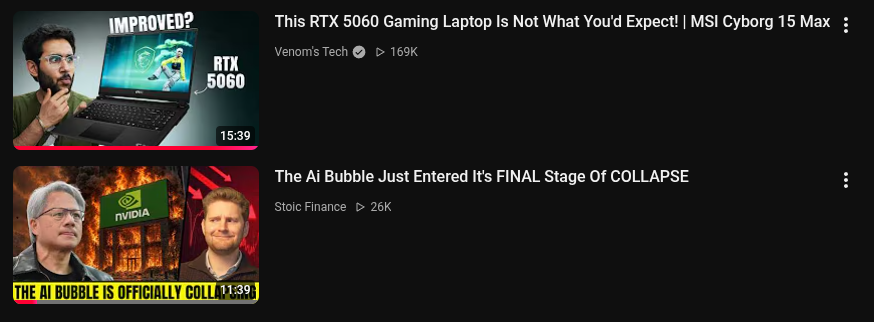
Hobby Projects
For most of my coding work, I depend on two visual code editors. One is android studio for when I am working on android or flutter projects. I am quite used to all the integrations in android studio because that is what I have used for 10 years back when I was working. So a lot of muscle memory for key binds (from both intellij idea and android studio) stayed with me. To edit all other code (python, shell scripts, markdown like this blog, yaml, toml, html, scss, JS, C/C++, nix, kdl etc), I use vscodium the open source version of vscode without all the telemetry and tracking from Microsoft.
I use Terminus ttf as my fixed width font for all my coding and terminal needs. It looks sharp and clean and easy on my eyes than any other fixed width font.

Unfortunately, vscode and hence vscodium had some code change which caused the terminus font to be rendered incorrectly.
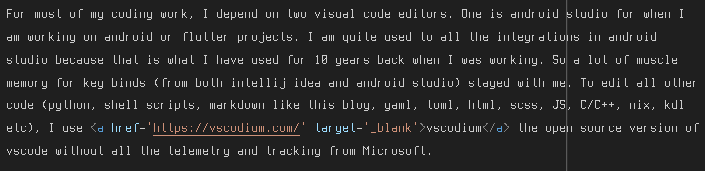
After much searching, I found the pending issue that is causing this rendering bug. So to get around the issue, I pinned my vscodium to an older version for a long time. This is my nix file with an older version v1.106.37943 pinned:
{ pkgs, ... }:

let
  # TODO: package pinned to an older version because terminus font is not working properly
  # https://github.com/microsoft/vscode/issues/282974
  # https://github.com/googlefonts/fontations/pull/1496
  customVscodium = pkgs.vscodium.overrideAttrs (old: rec {
    # from https://github.com/VSCodium/vscodium/releases
    version = "1.106.37943";
    src = pkgs.fetchurl {
      # from https://github.com/NixOS/nixpkgs/blob/nixos-unstable/pkgs/applications/editors/vscode/vscodium.nix#L54
      url = "https://github.com/VSCodium/vscodium/releases/download/${version}/VSCodium-linux-x64-${version}.tar.gz";
      hash = "sha256-P71aeIViaqSoMpfgtKPZAsclsWdBIvM9DvAoY8cm5Ow=";
    };
  });
in {
  environment.systemPackages = [
    (pkgs.vscode-with-extensions.override {
      vscode = customVscodium;
      vscodeExtensions = with pkgs.vscode-extensions; [
        yzhang.markdown-all-in-one
        ms-vscode.cpptools
        streetsidesoftware.code-spell-checker
        bbenoist.nix
        # TODO: remote ssh is not working with the older pinned version of codium
        # ms-vscode-remote.remote-ssh
        redhat.vscode-yaml
        ms-python.python
        eamodio.gitlens
        platformio.platformio-vscode-ide
      ] ++ pkgs.vscode-utils.extensionsFromVscodeMarketplace [
        # search for plugins in https://marketplace.visualstudio.com/
        {
          name = "vscode-front-matter";
          publisher = "eliostruyf";
          version = "10.13.0";
          sha256 = "sha256-Z7fisnQ7f8LXWv2eNX+GkS9gaR/DkdyJELysv5Ek7PA=";
        }
        {
          name = "clipboard-history";
          publisher = "anjali";
          version = "1.0.7";
          sha256 = "Wk28DTdpAjHg378OgrWUE4HlUBeZqInZ/fN0MWU0vNU=";
        }
        {
          name = "kdl";
          publisher = "kdl-org";
          version = "2.1.3";
          sha256 = "sha256-Jssmb5owrgNWlmLFSKCgqMJKp3sPpOrlEUBwzZSSpbM=";
        }
      ];
    })
  ];
}
I waited for a very long time (almost a year) for this bug to be fixed, but the fix never came. Unfortunately, some of the extensions stopped working in the older version of vscodium. So I had to choose to live without some extensions or switch to a different fixed width font. Then it occured to me that may be I should try out the zed editor. I used zed a long time ago when I heard about it, but it was missing some of the extensions that I needed back then.
Installing zed is quite easy in nix:
{ pkgs, ... }:

{
  programs.nix-ld.enable = true;   # to let zed run dynamically linked libs

  environment.systemPackages = with pkgs; [
    zed-editor
    harper   # spell check and grammar
    nixd   # provides nix specific helpful features
    nil   # another nix helper like nixd but faster, zed uses both of them
    shellcheck   # helper for bash scripts
  ];
}
Then, I had to configure zed the way I liked. So here is the configuration that I wrote for myself (it took a long time, not 5 mins).
{
  "default_open_behavior": "new_window",
  "reveal_if_open": true,
  "git_panel": {
    "entry_primary_click_action": "file_diff",
    "tree_view": true
  },
  "project_panel": {
    "dock": "left"
  },
  "tab_bar": {
    "show_nav_history_buttons": false
  },
  "tabs": {
    "file_icons": true,
    "git_status": true
  },
  "prettier": {
    "allowed": true
  },
  "minimum_split_diff_width": 0.0,
  "expand_excerpt_lines": 1000,
  "autosave": "on_focus_change",
  "auto_update": false,
  "cli_default_open_behavior": "new_window",
  "cursor_animation": {
    "enabled": true
  },
  "telemetry": {
    "diagnostics": false,
    "metrics": false
  },
  "base_keymap": "JetBrains",
  "theme": {
    "mode": "system",
    "light": "One Light",
    "dark": "VSCode Dark Modern"
  },
  "buffer_font_size": 12.0,
  "buffer_font_family": "Terminus (TTF)",
  "buffer_font_fallbacks": [
    "Font Awesome 7 Free",
    "Symbols Nerd Font"
  ],
  "wrap_guides": [
    80,
    100
  ],
  "tab_size": 2,
  "auto_install_extensions": {
    "harper": true,
    "kdl": true,
    "nix": true,
    "codebook": true,
    "emmet": true,
    "platformio": true,
    "toml": true,
    "vscode-dark-modern": true,
    "yuck": true,
    "scss": true
  },
  "file_types": {
    "Markdown": [
      "txt"
    ]
  },
}
Finally, I prefer opening my dev editors on workspace 1, so I made the relevant changes to niri config.
// Open certain windows only in certain workspaces
window-rule {
match title="Visual Studio Code"
match app-id="codium"
match app-id="dev.zed.Zed"
match app-id="jetbrains-studio"
open-on-workspace ""
open-maximized true
}
With all that, writing this blog, family time (which includes watching movies for example) and workouts, my day ended without any more free time :).