

A Not So Failed Hard Disk
By now you must have heard this several times that I have a 8 TB hard disk that stores all my media, photos and documents. I also have backup drives which put together is 8 TB. So in the unfortunate event that either of these volumes fail, I have another copy of all my precious media. As luck would have it, my main 8 TB drive stopped working suddenly one day.
It has been exactly 4.5 years since I purchased this drive. Before this, the previous 8 TB drive also lasted exactly 4.5 years before it died. I was wondering if this is the new norm for HDD life. So I did what any normal person would do which is to buy another hard drive. Unfortunately however, the prices of hard disks have shot up. What was about Rs. 14,000 for the 8 TB drive some 5 years ago is now Rs. 20,000. I looked around to see if I can find a better deal and sure enough, I found a 20 TB drive for Rs. 30,000. Very strange that a drive is 2.5 times the space is only 1.5 times the price.
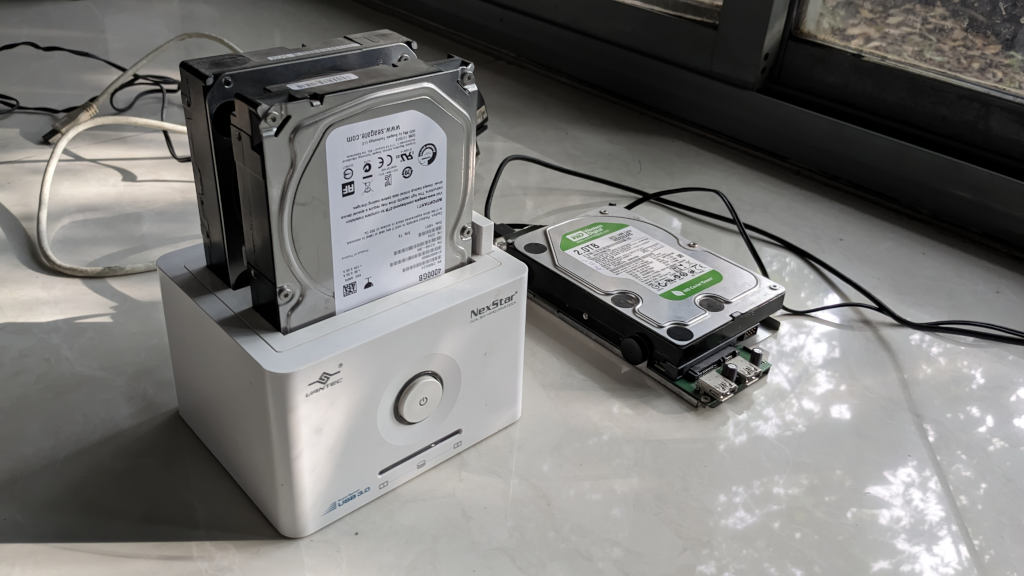
Anyway my current (failed) drive was filling up and I have only 150 GB of free space left on the device. A drive upgrade was pending anyway, so a jump from 8 TB to 20 TB is not a total useless upgrade. However, I was hoping to slowly upgrade to SSDs (solid state device) instead of the traditional HDDs. The plan was to add a 2 TB SSD when I run out of space on my 8 TB drive if it did not fail.
Unfortunately however, purchasing full 8 TB of SSD is quite expensive at this point. Especially as RAM and storage device prices have been shooting up in the recent past thanks to AI data center’s huge demand. So I ordered the 20 TB HDD.
While I was waiting for it to be shipped, I wanted to check what happened to my old drive. I connected it to my laptop and journalctl reported the following:
kernel: usb 2-2: New USB device strings: Mfr=1, Product=2, SerialNumber=3
kernel: usb 2-2: Product: Backup+ Hub
kernel: usb 2-2: Manufacturer: Seagate
kernel: usb 2-2: SerialNumber: xxxxxx
kernel: hub 2-2:1.0: USB hub found
kernel: hub 2-2:1.0: 3 ports detected
kernel: usb 1-2-port2: Cannot enable. Maybe the USB cable is bad?
The last line was a bit confusing. The error was not a bad sector or something like that. It just mentions possibility of a bad cable. The failed drive also did not make any clicking sounds. So I was curious. I changed the USB cable that connects to my laptop. Still no luck. I also changed the 12V power brick that powers the external hard disk. Still nothing. This external hard drive also has 2 USB ports in the front. When I connected USB devices using those ports, they were detected properly and were functioning well.
I started to wonder if some cable inside the enclosure was bad or some problem with the PCB (weak/blown capacitor etc). So I opened the enclosure. Thankfully I have experience doing it already since I opened the enclosure of my previous 8 TB drive that failed. At that time, the HDD failed with a clicking sound and bad sectors. So I know it is really dead. At that time I opened the enclosure and pulled out the HDD.
I reused the enclosure to house another hard disk that was lying around from my old desktop PC. So I know I can reuse the enclosure even if the hard disk has failed. I opened the current failing HDD enclosure. Removed the HDD and inspected the PCB for any damage or bulged capacitors. Nothing that I could find that is out of place. But remember, I am not an expert, so may be I am not seeing something that is quite obvious.
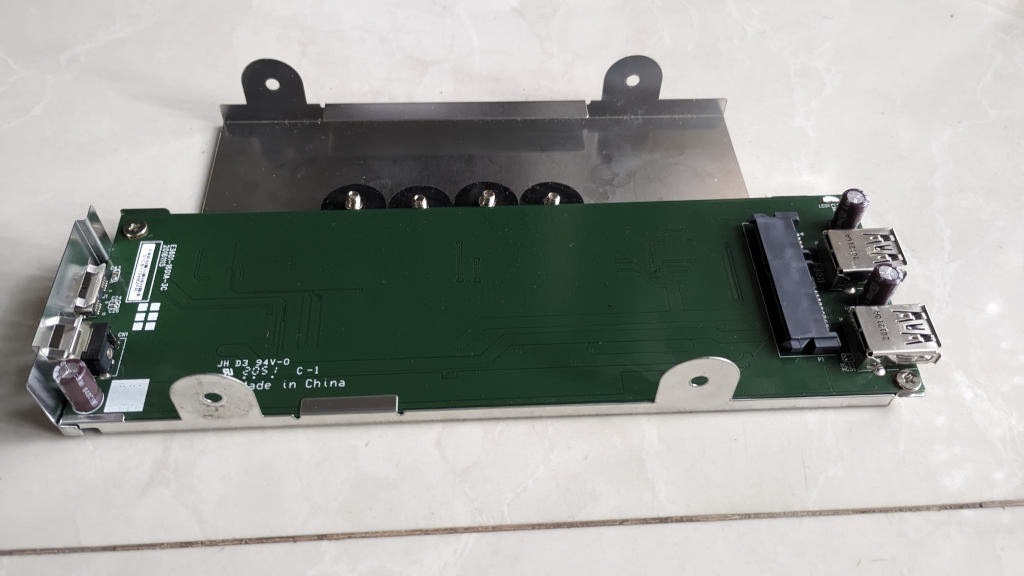
I plugged in the HDD into another enclosure and viola! The drive started to work and all my content is safe! So this time it was not the drive but the enclosure that has failed. That is a relief. I cancelled my Amazon order for a full refund. That is what I love about Amazon. The cancellation and refund policy is really easy and effortless. Next, I ordered a dual bay docking station that will house my hard drive for Rs. 3000.
The docking bay arrived, I plugged in my HDD and sure enough everything was working fine. So that is the good news. No need for an expensive replacement for my hard drive yet. Have to see how long this will last. Generally I expect them to last around 5 years of continuous use. And since my media center drive is running 24/7, it might not last that much longer.
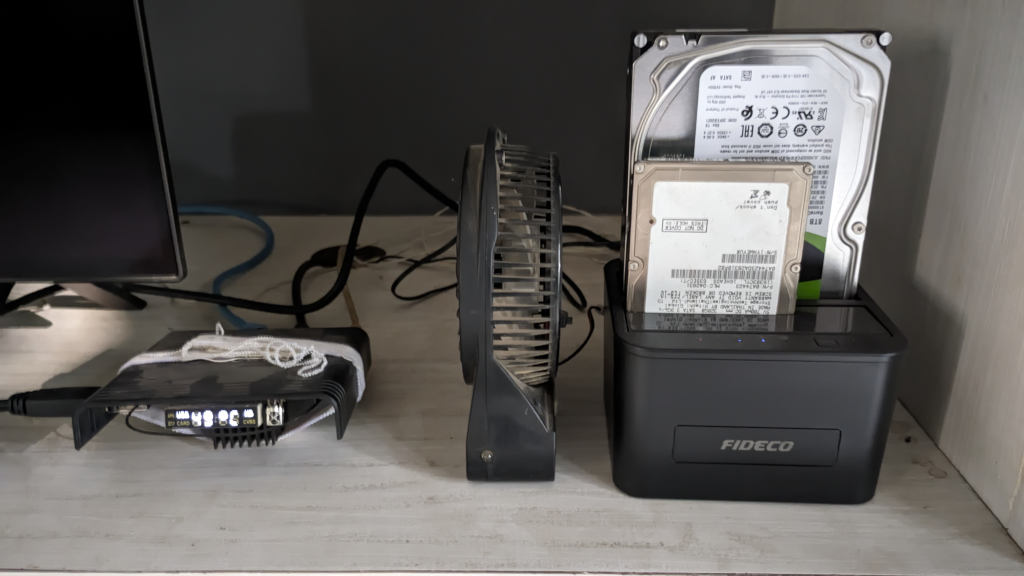
Some of my back up drives on the other hand are older than 10 years mainly because I turn them on once a week for backup. Ten years is a long time so I know even their life is also at risk. Well, we cannot do anything about it, all we can do is prepare for such events. If you look at the picture above, you will notice a 2.5” HDD which is plugged into the docking bay. That one was from a laptop from 2010. So the tiny hard disk is working for more than 15 years! I am currently using it to store my home lab data.
Anyway, if you have an external drive that does not exhibit “clicking sounds”, but the drive is not working, removing the disk from the enclosure and trying it out in another external bay might help.